

Your own home media server
StreamerXL
Your media. Your server. Your way.
Enjoy your movies, series, and other media on any device, at home or away. Your media on your server.
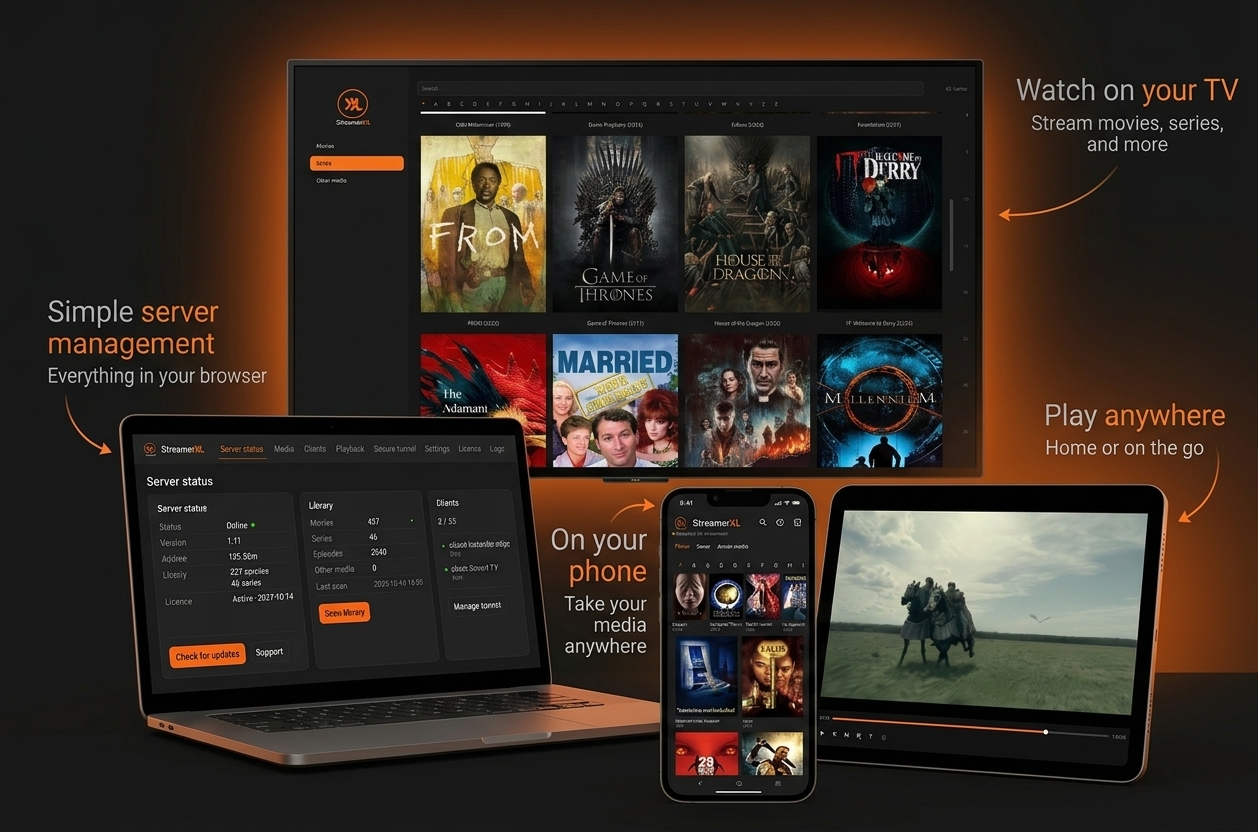
- Your mediaYour media on your server.
- Any deviceWatch at home or away.
- Free clientsDownload and connect.
The server 5 days free
StreamerXL Server
Your own home media server, ready to install on a PC or virtual machine.
Download Server
v1.17 · ISO · 2.84 GB · 64-bit
No payment required to get started. Up to 5 clients.
Free support, built into the server. When you send a request, the server includes its hardware details.
System requirements
Minimum4 CPU cores / 4 GB RAM
Recommended8 CPU cores / 16 GB RAM
Create a bootable USB drive

Getting started
Ready when you are.
- 01.Install your serverBoot StreamerXL on a PC or virtual machine.
- 02.Add your mediaOpen http://streamerxl.local:8090 and select your media folders.
- 03.Start watchingDownload a free client, pair your device, and enjoy.